JUDLEX AI is the way to use artificial intelligence without opening an account with a provider or pasting any key. JUDLEX picks the model, and what is spent is paid with the licence's credits.
It is optional and comes switched off. If you prefer to keep your own key, there is nothing to do: everything stays as it was.
In short
Press Use JUDLEX AI in Settings → Connections.
Read the privacy notice, tick I have read the notice and I accept it. and press Turn on JUDLEX AI.
From then on, everything the AI does on this computer goes through JUDLEX AI and is taken from the credits.

To go back to your own key, use Use my own key on the same card. Switching between them deletes nothing.
Where the button appears
The Use JUDLEX AI button appears when the licence can use the service and it is not switched on yet:
In Settings → Connections, on the JUDLEX AI card.
In the first step of the assistant for entering a key.
In the chat, when no AI is connected.
Next to the notice that the provider key is missing.
In Your licence.
Once the service is on, the button goes away.
What happens to your papers
With JUDLEX AI, what the AI has to read leaves this computer for judlex.com and from there goes to the model's provider, Anthropic. judlex.com forwards it without keeping it: for each call it only records the licence, the computer, the tokens and the credits. Never the text, the files or the answers.
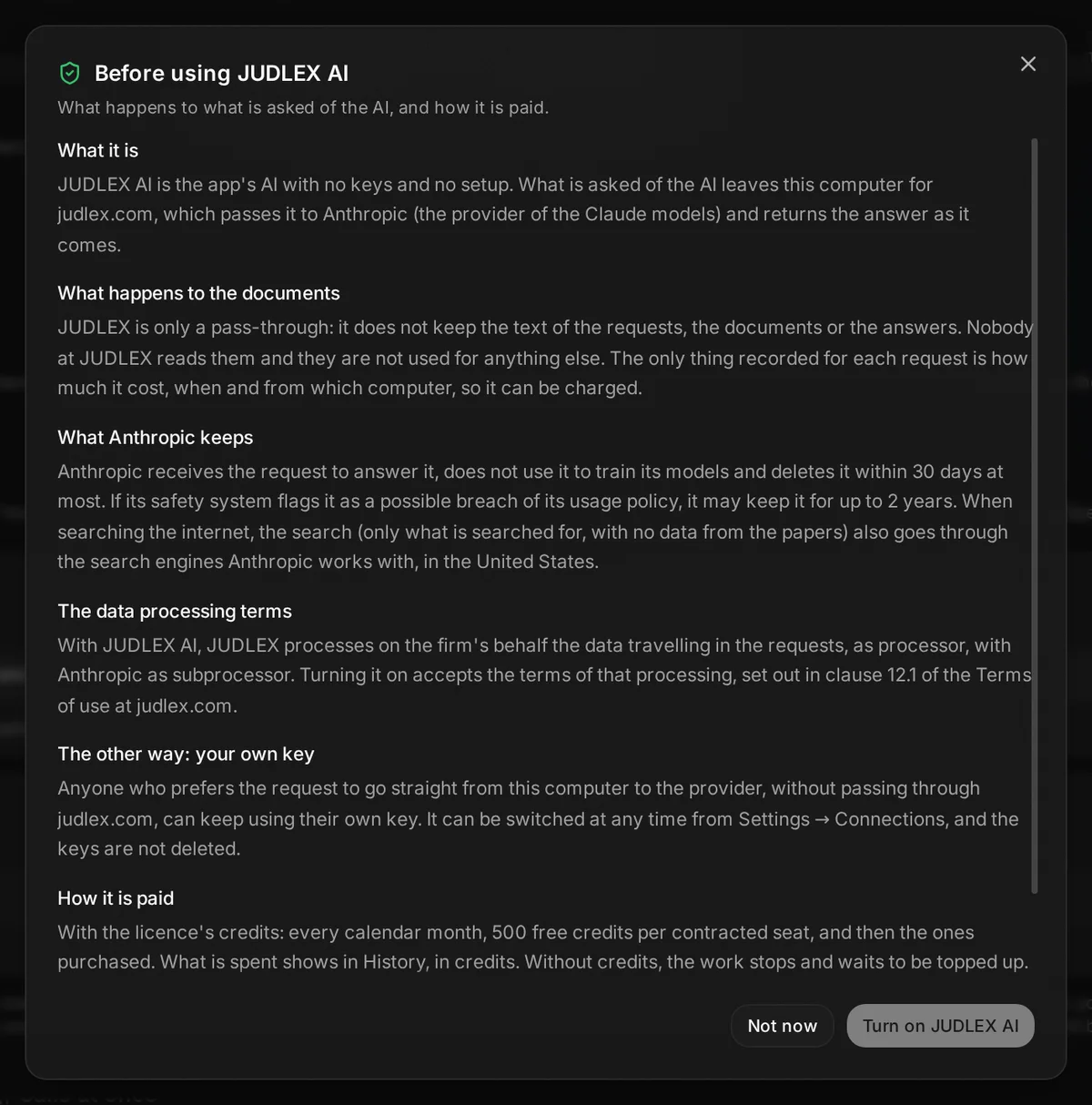
The notice accepted the first time explains it in detail, including what the provider keeps. It can be read again from the card in Settings → Connections, with Read the notice.
Credits
1 credit is 1 euro cent, before taxes.
Each licence gets 500 free credits per seat and month. They do not carry over from one month to the next and are spent before purchased ones.
The balance belongs to the licence: all its seats share it.
Purchased credits do not expire with the month.
The JUDLEX AI card in Settings → Connections shows how much of the free credits is left, when they renew and how much has been purchased.
Buying credits
On the JUDLEX AI card, press Top up credits, choose a pack and pay. The amount already includes the applicable taxes.
Pack | Price, before taxes |
|---|---|
1,000 credits | €10 |
2,500 credits | €25 |
5,000 credits | €50 |
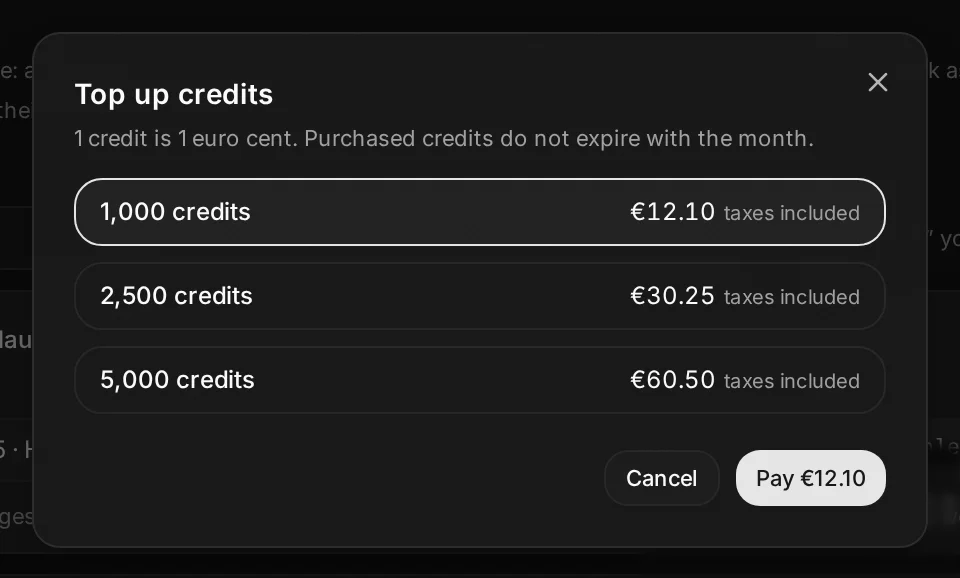
On macOS and Windows the payment is made in the window itself. On Linux the payment page opens in the browser and, when it is done, JUDLEX comes back on its own. The credits arrive in a few seconds.
Only the licence owner can buy.
If the credits run out
JUDLEX leaves nothing half done:
A long job (reading and splitting a pile of documents, for example) finishes the documents it was already working on and stays paused. The chat shows the notice with Top up credits, and the job keeps Top up credits, Resume and Stop. Resume lights up when there is balance again, and carries on where it left off: what is done is not repeated.
A question in the chat stays unanswered, and a message appears with Top up credits and Ask again.
What has been spent
In Settings → History, JUDLEX AI is counted in credits, not dollars, with a line for the month's total. The exact figure comes from judlex.com: when the screen opens, it is asked about the calls that do not have it yet. Until then they show …, and ≈ marks the few the server had to estimate.